
Integrations
Guided Connector Setup And A Public API
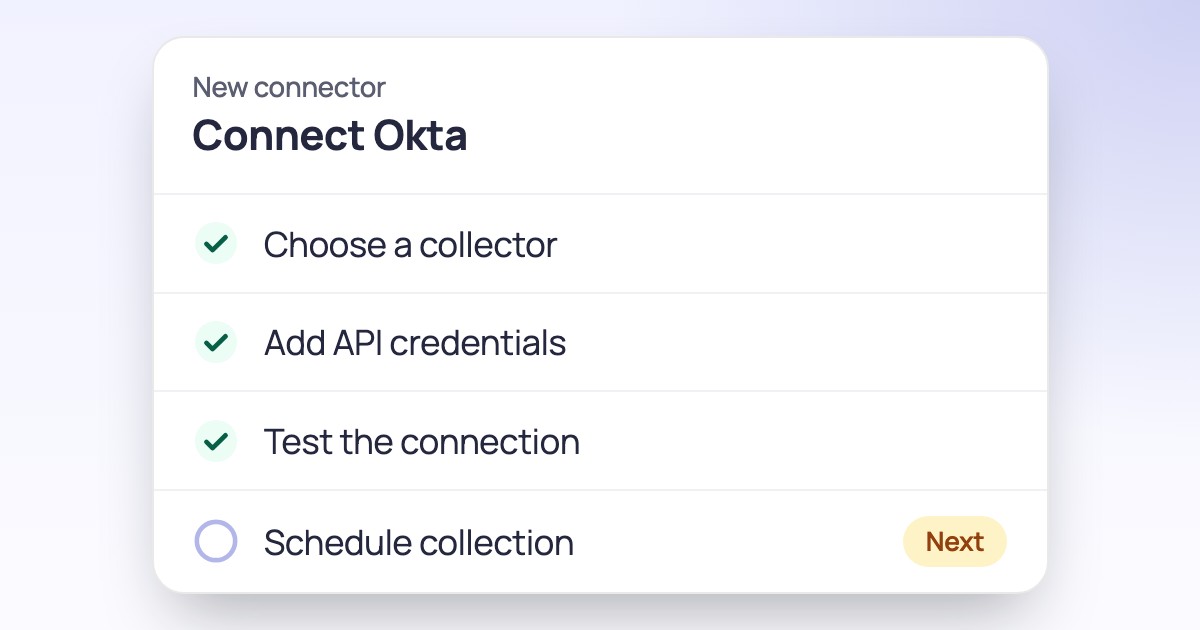
New connectors open into a four-step checklist, and integrations can use the documented API.
Integrations
Add a connector by picking the service, set up all its features in one place, and run its actions when you need them.
Connecting a system used to mean a separate import step, then setting up each feature on its own. Checking whether it worked meant digging for logs.
Now you pick the service from one list. Each connector opens on a single page with its status and its features, split into scheduled data collections and actions you can run on demand. One dialog sets shared settings and credentials for every feature, and each feature keeps a history showing what was collected, changed or deleted.
Add a connector straight from the picker.
Share settings and credentials across all its features in one dialog.
Run an action when you need it, and see what each collection changed.
The connectors page is in Hydden settings for all customers. Choose Add connector to start.
Need configuration detail? Technical documentation is available to customers after sign-in.
Integrations
New connectors open into a four-step checklist, and integrations can use the documented API.
Integrations
IAM, Identity Center and CloudTrail activity in Hydden, for one account or a whole organization.
Integrations
Entra ID identities and access in Hydden, ready for reviews and provisioning.
Request a trial and add your first connector.