Security
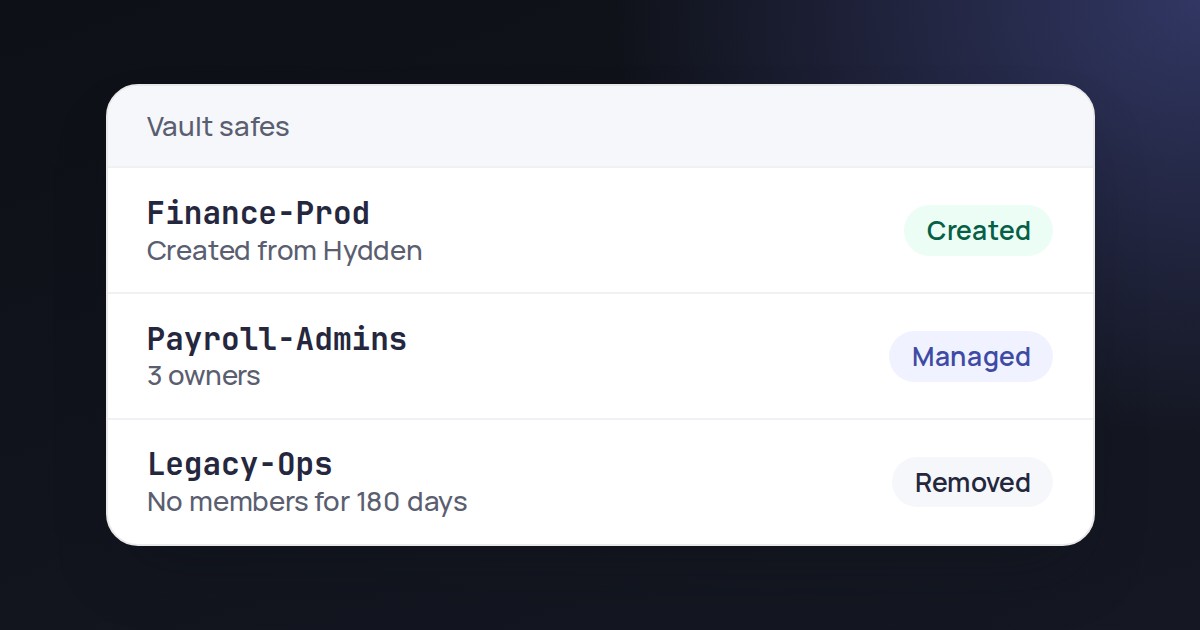
Create And Remove Vault Safes From Hydden
Add or delete safes in a connected vault without leaving the Safes page.
Security
Decide which TLS certificates and SSH host keys Hydden accepts when it collects from your systems, and get flagged when one changes.
Hydden connects to many systems to collect identity data. If a certificate or host key it has never seen is accepted without a check, a lookalike system could hand it false data or capture the credential it signs in with.
The Trust page lists every certificate and host key collectors meet. You approve or deny each one, trust a whole certificate authority, or import your internal one so everything it signs checks out. If a trusted key is later replaced, Hydden refuses it and flags it until someone reviews it. Trust starts by watching, so turning it on does not stop any collection.
Every unknown TLS certificate and SSH host key is recorded.
Decide per system, trust a certificate authority, or import your own.
A new key on a trusted system is refused and flagged for review.
The Trust page is in every Hydden tenant, under Configuration, then Settings. A Trust Policy decides what happens to systems nobody has reviewed yet.
Need configuration detail? Technical documentation is available to customers after sign-in.
Security
Add or delete safes in a connected vault without leaving the Safes page.
Integrations
See who can read, write or administer every secret in Vault, without reading the secrets.
Integrations
Bring privileged accounts and safes from Idira (CyberArk) into Hydden.
Request a trial and review the systems your collectors reach.