Governance
Manager Approvals For Workflows
Hold any automated workflow until the right managers sign off.
Governance
See every workflow trigger Hydden has queued, what happened to it, and fix the ones that failed.
When a workflow fails without a trace, the ticket never opens and the email never goes out, and nobody knows until someone asks why.
The Activity page lists every queued trigger and its state, pending, processing, failed, completed or cancelled. Failed triggers stop and wait there instead of retrying silently. You can read the full event behind each one, retry it once the cause is fixed, cancel a trigger before its action runs, and follow triggers waiting for approval.
Filter by state and open the event behind each one.
Failed triggers wait on the page, with their last error.
Act on one trigger or select several at once.
Automation Activity is part of Hydden for all customers, under Configuration, then Automate.
Need configuration detail? Technical documentation is available to customers after sign-in.
Governance
Hold any automated workflow until the right managers sign off.
Security
Trigger a webhook when a threat rule matches, and track threat impact over time.
Governance
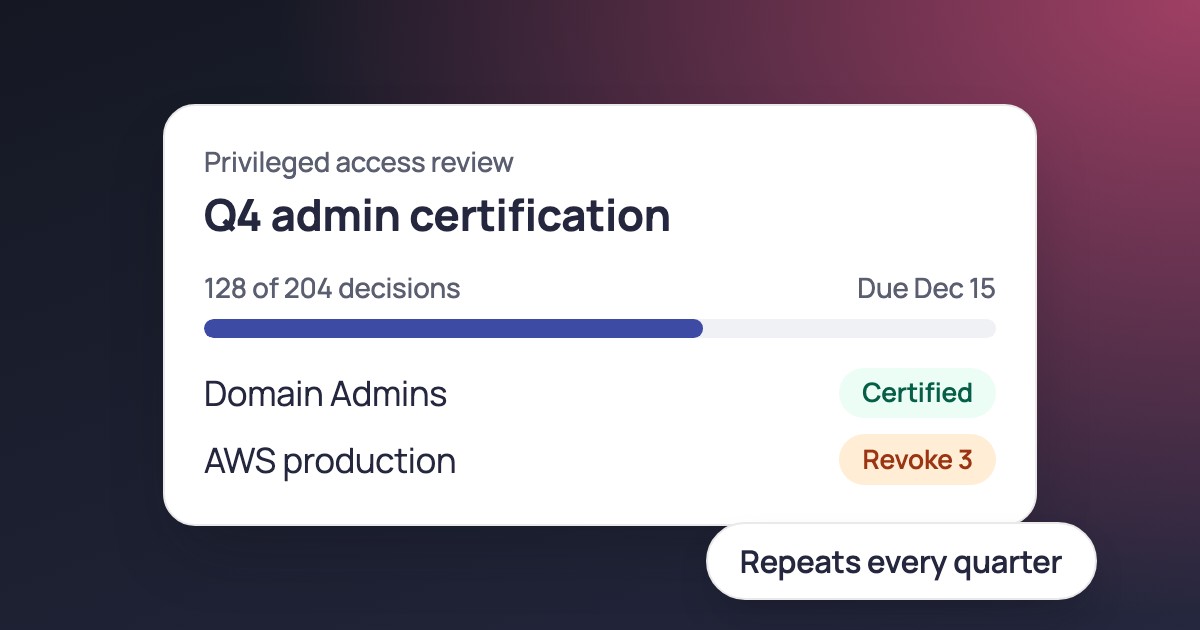
Run identity integrity certifications on a schedule and trigger workflows when their status changes.
Request a trial and set up your first workflow.