
Governance
Automation Activity Page
Track every queued workflow trigger, retry the ones that failed and cancel the ones that should not run.
Governance
Hold any automated workflow until the right managers approve it.
Some workflow actions, such as disabling an account or changing a vault, should wait until a manager agrees.
Turn on Approval Required for any workflow, pick one or more managers and set how many approvals it needs. Each trigger then waits in the Approvals queue and the action runs once enough managers approve.
Turn it on for any workflow.
Choose the managers and how many approvals are needed.
The action runs once the count is reached.
Approvals are part of Hydden workflows for all customers. Open a workflow and turn on Approval Required.
Need configuration detail? Technical documentation is available to customers after sign-in.
Governance
Track every queued workflow trigger, retry the ones that failed and cancel the ones that should not run.
Security
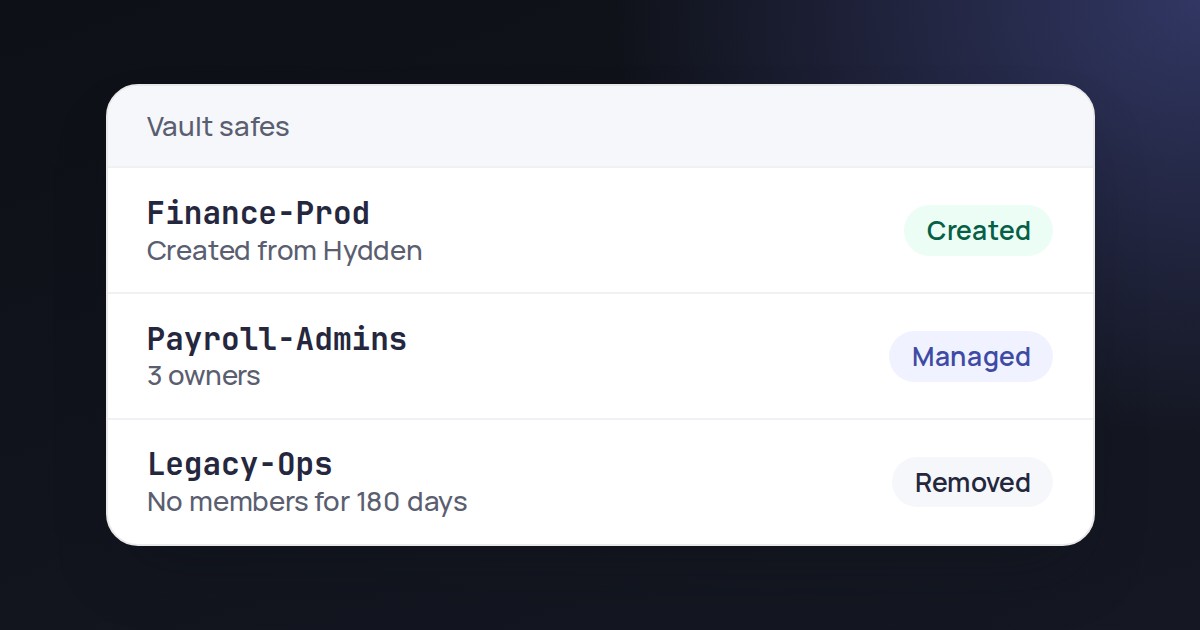
Add or delete safes in a connected vault without leaving the Safes page.
Governance
Automated account lifecycle with approvals, Jira workflows and a dry run mode.
Request a trial and set up an approved workflow.