Search and reporting
Classification Rules
Label accounts with your own rules, then use the labels to narrow searches and reports.
Governance
Launch an access review of every account with a given classification, such as privileged or sensitive, without building the list first.
The accounts auditors care about most are often the privileged ones. Reviewing them usually starts with someone building a list by hand.
A classification review campaign targets accounts by their label, privileged, sensitive or one of your own. The campaign picks up every account with that label, so nobody has to build or maintain the list.
Privileged, sensitive or your own label.
Every account with that label is included.
Reviewers approve or reject each one.
Classification review campaigns are part of Hydden access reviews for all customers. Create a campaign and choose a classification.
Need configuration detail? Technical documentation is available to customers after sign-in.
Search and reporting
Label accounts with your own rules, then use the labels to narrow searches and reports.
Governance
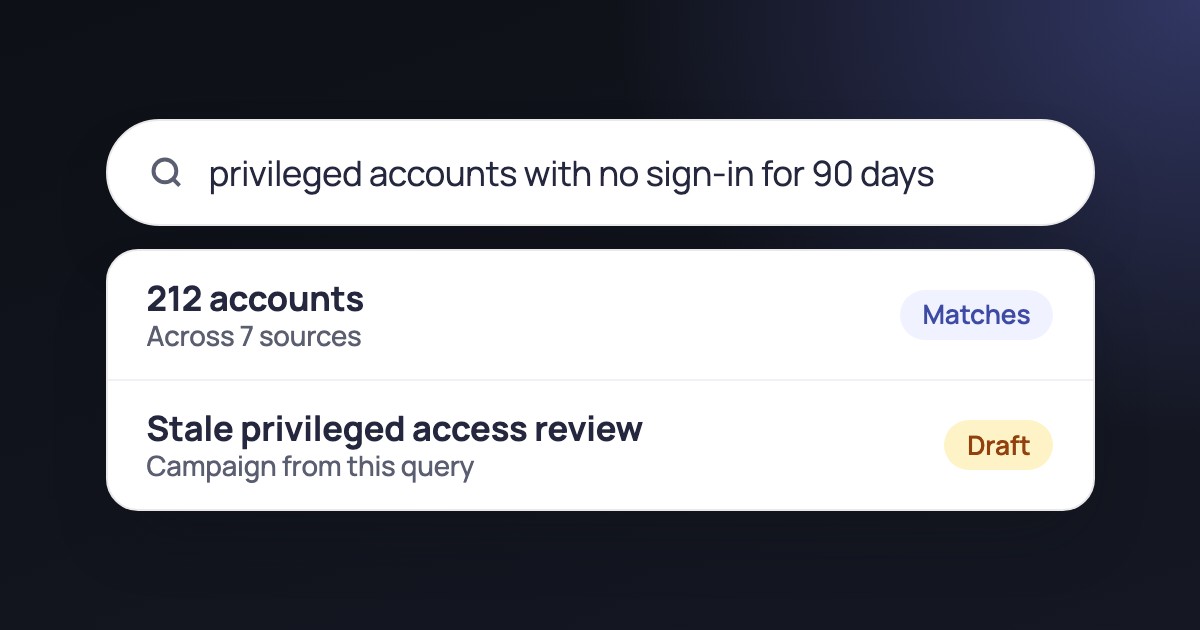
Build a review campaign from a query, so its scope follows your data.
Governance
Campaign priorities, due-date warnings, changed decisions and edits to active campaigns.
Request a trial and launch a classification review.