Governance
Classification Review Campaigns
Review every account that carries a classification label, with no list to build first.
Search and reporting
Label accounts with your own rules, such as privileged or service, and use those labels across searches, reports and reviews.
Every company has its own idea of a privileged or service account. Naming conventions and group names carry that meaning, and generic filters miss it.
Classification rules label accounts with your own criteria, from the account name and type to its title, department, groups and custom attributes. A rule can apply to every data source or only some. The labels then narrow searches and reports, and drive classification review campaigns.
Match on name, type, groups, department and more.
Apply it to every data source or only some.
Filter searches and reports, and review by classification.
Classification rules are part of Hydden for all customers, under Configuration, then Identify.
Need configuration detail? Technical documentation is available to customers after sign-in.
Governance
Review every account that carries a classification label, with no list to build first.
Search and reporting
Define the metrics your dashboards track, or describe one to the AI assistant.
Governance
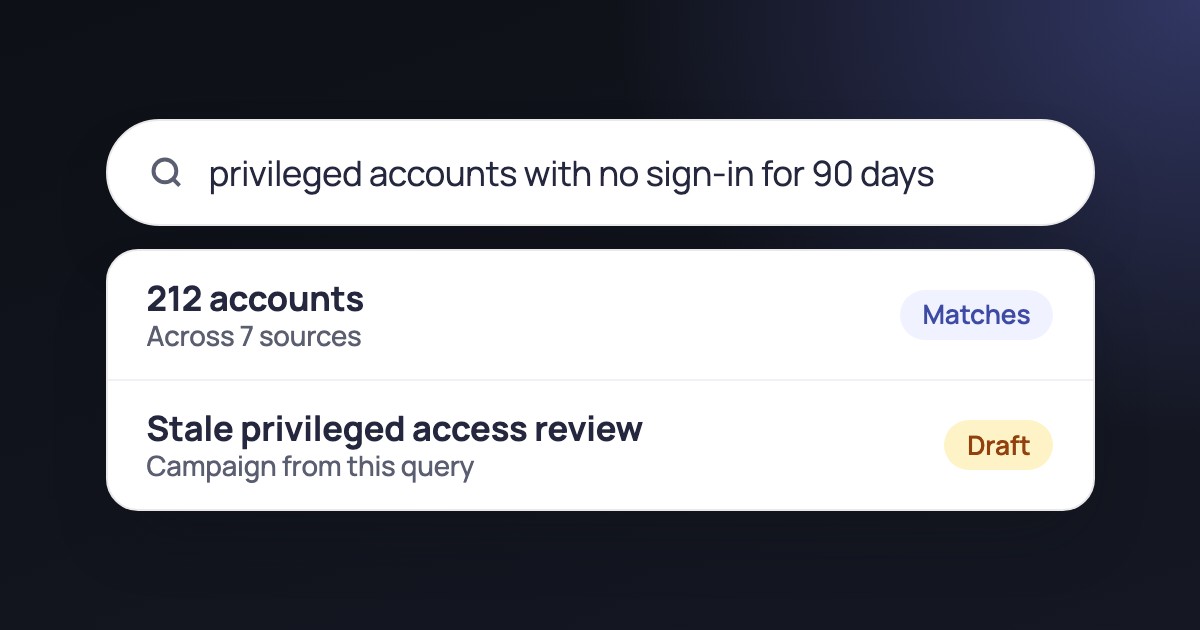
Build a review campaign from a query, so its scope follows your data.
Request a trial and write your first classification rule.